První setkáníYour first meeting
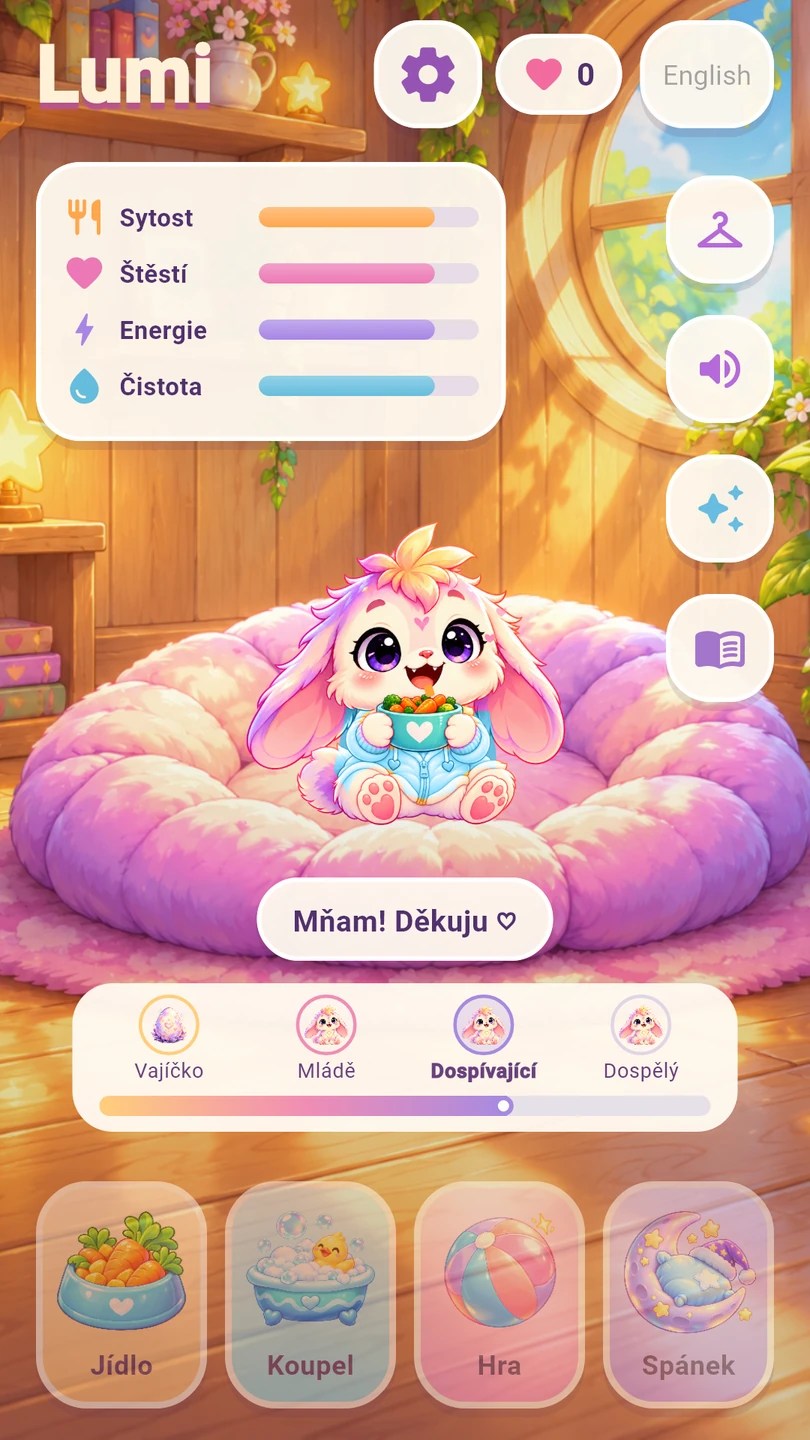
Klepni na kouzelné vajíčko a přivítej Lumiho. Dole najdeš Jídlo, Koupel, Hru a Spánek. Stav sytosti, štěstí, energie a čistoty ukazuje přehled v pokojíčku.
Tap the magic egg to welcome Lumi. Food, Bath, Play and Sleep are at the bottom. The room shows food, happiness, energy and cleanliness.

Jídlo, koupel a spánekFood, bath and sleep
Po klepnutí na Jídlo vyber zeleninku, ovoce nebo kaši. Při koupeli Lumi sedí ve vaně. Tlačítkem Spánek ho uložíš k odpočinku; stejným místem ho zase probudíš. Večer se pokojíček přirozeně stmívá.
Tap Food and choose vegetables, fruit or porridge. Lumi sits in a tub during a bath. Sleep puts him to bed; use the same button to wake him. The room grows darker in the evening.
Tři minihryThree minigames
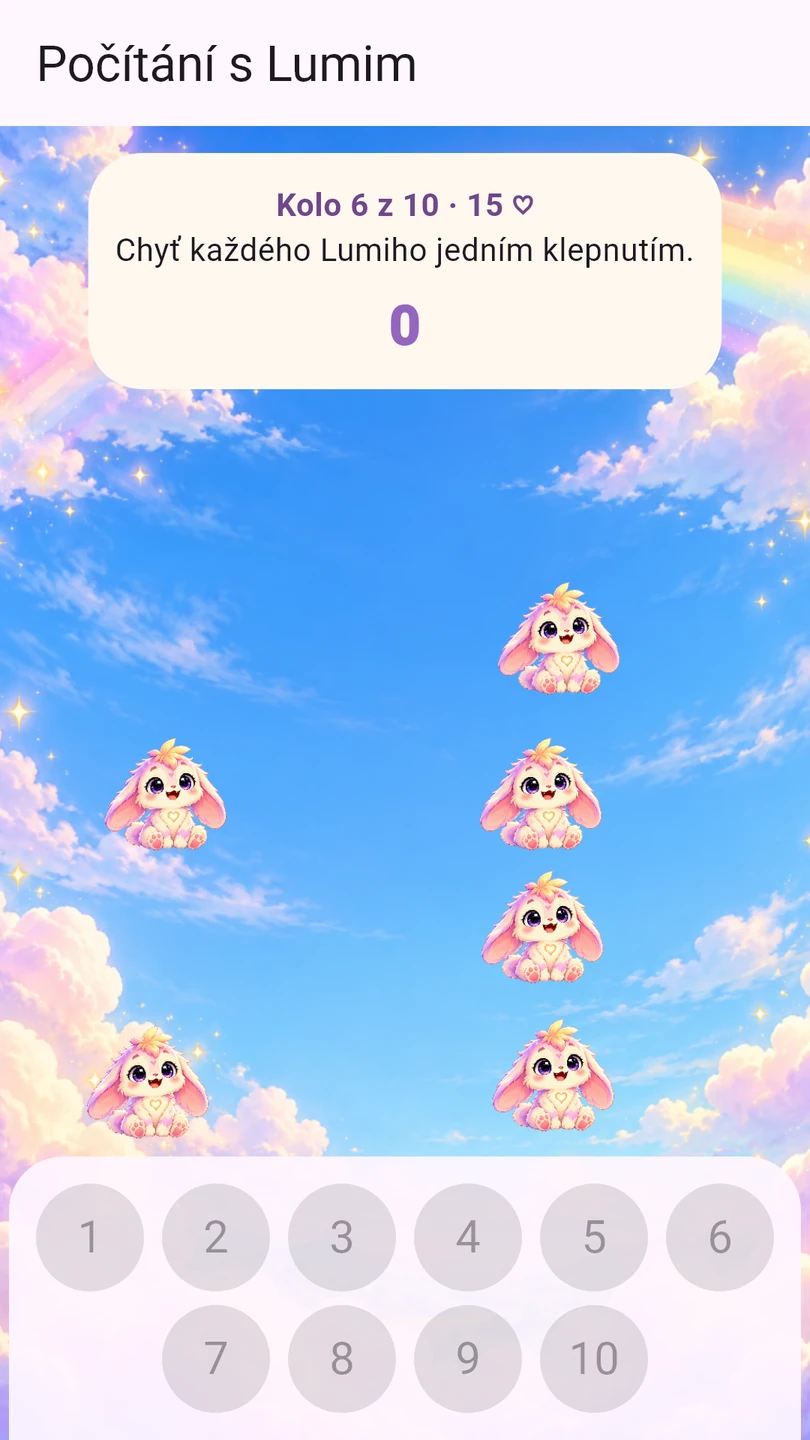
V nabídce Hra zvol chytání hvězdiček, pexeso nebo počítání. Pexeso má 12 kartiček a šest dvojic. Při počítání chytáš malé Lumíky od jedné do deseti bez časového limitu.
Choose stars, picture pairs or counting from Play. The memory game has 12 cards and six pairs. In counting, catch little Lumis from one to ten without a time limit.
Společné chvilkyTogether time
Klepni na tlačítko s jiskřičkami. Míček můžeš poslat klepnutím nebo posunutím. Při česání pomalu přejížděj kartáčem po kožíšku. V části Hudba zapni nebo zastav původní melodii; pro poslech musí být povolené zvuky a dostatečná hlasitost médií v telefonu.
Tap the sparkles button. Tap or move the ball to roll it. Move the brush gently over Lumi’s fur. Start or stop the original tune in Music; game sounds and the phone’s media volume must be enabled to hear it.

Oblečky a šest barevOutfits and six colours
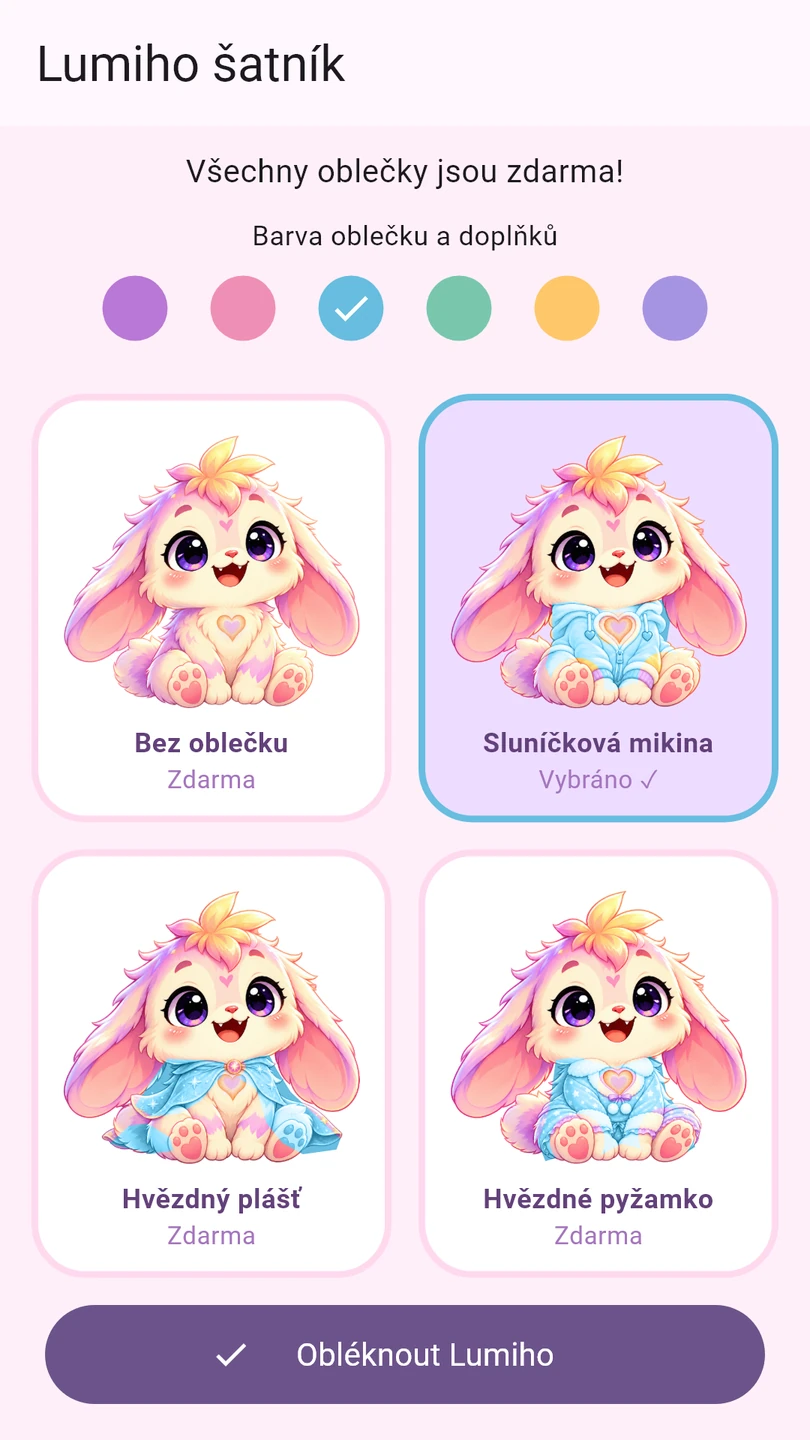
Tlačítko s ramínkem otevře šatník. Vyber vzhled a hlavní barvu a potvrď oblečení. Vše je zdarma. Vybíráš vždy jeden vzhled; oblečky a doplňky se mezi sebou nekombinují.
The hanger button opens the wardrobe. Choose a look and main colour, then confirm. Everything is free. Select one look at a time; outfits and accessories cannot be combined with each other.
Pohádky na dobrou nocBedtime stories
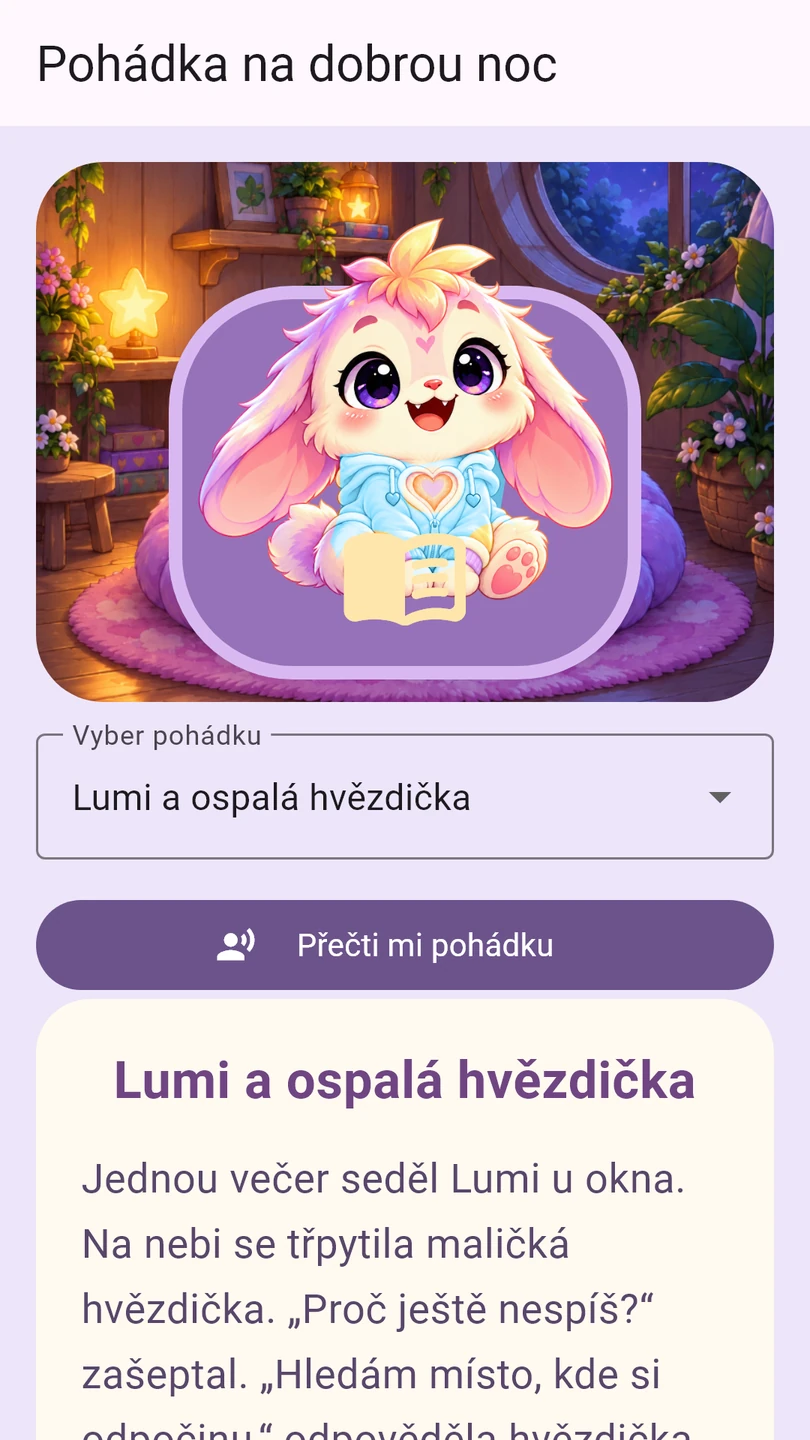
Tlačítkem s knížkou otevři tři krátké pohádky. Můžete je číst společně nebo zapnout předčítání. To používá nainstalovaný offline hlas telefonu, takže jeho dostupnost a znění se liší. Když hlas chybí, text zůstává dostupný. Přidání hlasu otevře rodič přes rodičovskou bránu; případné stažení probíhá mimo hru a může potřebovat internet.
Open three short stories with the book button. Read together or start read-aloud. It uses an installed offline phone voice, so availability and sound vary. The text remains available if a voice is missing. A parent can open voice installation through the parent gate; downloading takes place outside the game and may need internet.
Růst a náladaGrowth and mood
Lumi roste postupně podle času i péče, od mláděte přes dospívání až do dospělosti. Stupnice ukazuje jeho cestu. Při nízkých potřebách může být smutnější a jeho barvy nebo srdíčko méně zářit. Nakrm ho, vykoupej, pohraj si nebo mu dopřej odpočinek podle ukazatelů.
Lumi grows gradually with time and care, from young to adolescent to adult. The growth trail shows the journey. When needs are low he may look sadder and his colours or heart may glow less. Check the indicators and offer food, a bath, play or rest.

Nastavení a nový začátekSettings and a fresh start
Zvuk přepneš tlačítkem reproduktoru a jazyk tlačítkem English / Česky. V ozubeném kolečku najde rodič O Lumi a kontakt, soukromí a možnost začít znovu. Reset po rodičovské bráně a potvrzení smaže dosavadní postup a vrátí Lumiho do vajíčka; jazyk a nastavení zvuku zůstanou. Postup se ukládá jen do telefonu, automaticky se nepřenáší mezi zařízeními.
Use the speaker button for sound and English / Česky for language. The gear opens About Lumi & contact, privacy and a fresh start. After the parent gate and confirmation, reset erases progress and returns Lumi to the egg; language and sound settings remain. Progress is stored only on the phone and does not automatically transfer to another device.